The Invoice Hub on the StrataMax Portal was refreshed in January 2026. If you approved invoices in the old version, here's what's changed.
Approving is now two steps, not three
Select the invoices you want to approve (tick the checkbox, or click anywhere on the line), then click Approve Selected. The number of selected invoices shows on the button. The previous extra confirmation step has been removed to speed things up.

Better history
- The hub keeps your approved-invoice history for the current and previous financial year.
- New approvers can now see invoices approved before they were added.
- If a building changes managers and both use the Invoice Hub, the approval history is retained.
Some newer buildings, or buildings that recently changed managers, may show less history.
New views and filters
- Mine - invoices waiting for your approval.
- Active - all invoices currently awaiting approval (you may already have approved some).
- All - everything uploaded for approval in the last two financial years; this is where you view history, and approved invoices show a tick.
- Tick Remember to keep your chosen view next time. You can also sort (date, creditor, amount and more), filter by building if you approve for several, and show up to 200 per page.

Queries instead of rejecting
To question an invoice rather than approve it, expand the invoice, click Start Discussion, and direct it to @Manager, a specific approver, or All. Raising or replying to a query puts the invoice on hold until it's resolved.

Email notifications you can control
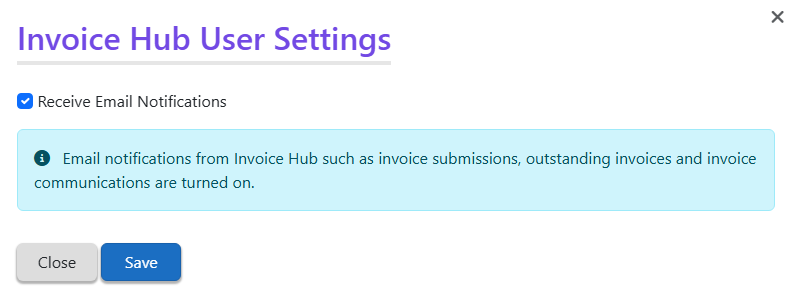
In Settings you can turn Invoice Hub email notifications on or off (invoice submissions, outstanding invoices, and invoice messages).
Want the full walkthrough? See Invoice Hub Approver Instructions and Invoice Hub Troubleshooting.